Cooking has never been easier
Connected to your AMC cooking system, cooking becomes effortless: Over 1,000 recipes, step-by-step guidance, and intelligent control ensure perfect results.
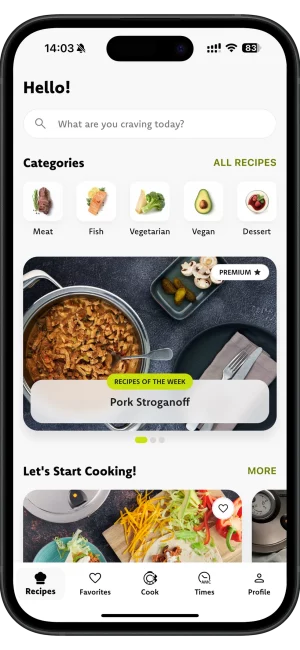
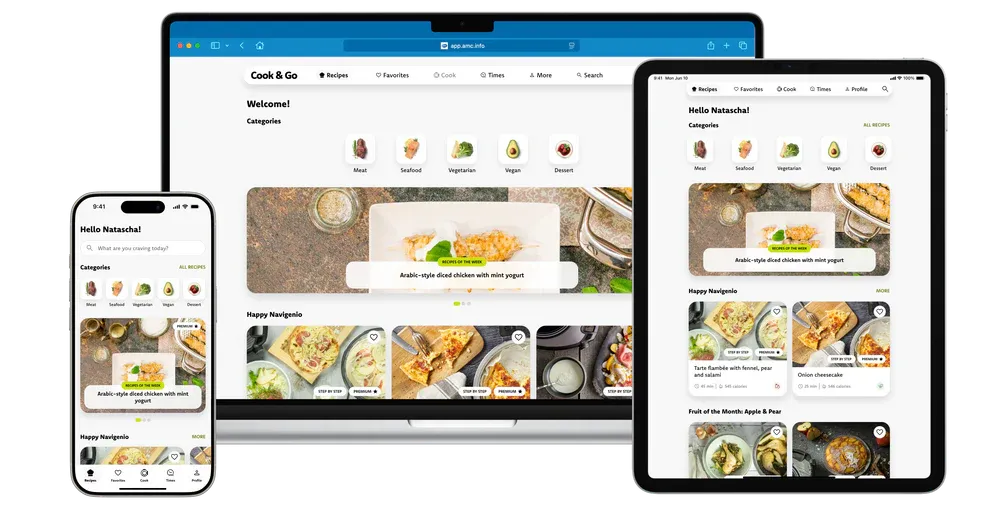
Unleash the full potential of your AMC cooking system with Cook & Go – your key to effortless success and new culinary inspiration.
1,000+ Recipes
Over 1,000 recipes – inspiration every day, for every mood and every taste.
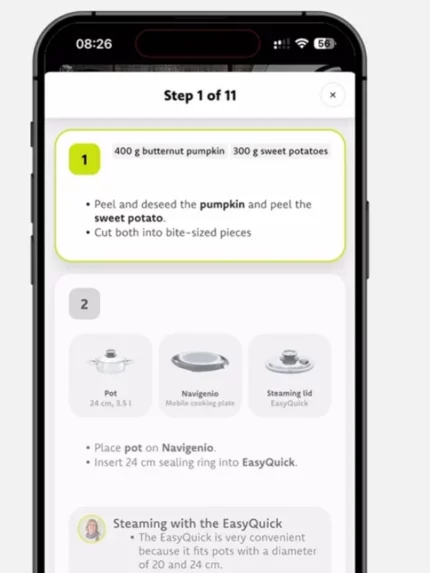
Step-by-step Guide
Connect Cook & Go to your cooking system and let it guide you through the recipe in real time.
Straight to success
Perfect dishes need perfect timing – Cook & Go takes care of temperature and timing for you. No constant checking required.
This is how you cook today
Fresh ideas, every week
Your smart cooking coach for effortless cooking
Cook with confidence
You don’t have to be a professional to cook great food. Cook & Go shows you every step – for relaxed cooking and the reassurance that it will turn out. Cook with confidence – and grow with every dish.
Cook smarter
Why Cook & Go?
Because you always discover something new, are guided step by step, and achieve perfect results every time.
More Inspiration. More Confidence. More Success.
FAQ
Questions about the Cook & Go App
The AMC Cook & Go app offers a free version that includes the following functionalities for free:
- Audiotherm connection
- 40 AMC recipes with step-by-step guides
- 1 free recipe collection
- favorites for free recipes
- profile management
Step-by-step recipes are easy to find — they’re listed in the “Step by step recipes” section on the home screen, can be found with the “Step by step” filter, and are marked with a “step by step” tag in the lower-right corner of the recipe image.
How it works:
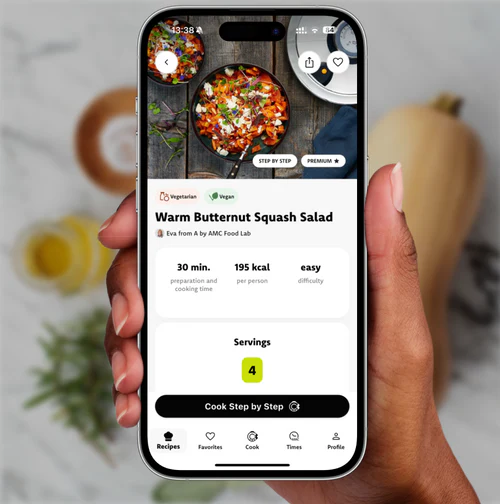
1. Open a step-by-step recipe.
2. Tap “Cook Step by Step” to start the guided cooking mode.
Whether controlled cooking is available depends on the recipe:
- For most recipes, you can choose at the beginning of the recipe flow whether to cook in the controlled way or not.
- For some recipes, controlled cooking is not available or is the only option.
How it works:
1. Open a step-by-step recipe.
2. Tap “Cook Step by Step.”
3. Select “Use Navigenio.”